
Is ChatGPT the best AI for my business?
ChatGPT by OpenAI
Every Feature. Explained Simply.
A complete guide to what ChatGPT can do, how to pick the right feature for the job, and one real example for each.
How to pick the right feature
The mistake most people make: they try to learn every feature before they have a job to do. Start with the job. Ask "what am I trying to do right now?" and let that pick the feature. The map below covers 90% of real business use cases.
Just chat. Use Instant mode. It is fast, capable, and needs no setup. Add Web Search if it touches current events or recent data.
Use Canvas for anything longer than a paragraph. You work side by side and edit in real time, instead of copying back and forth.
Use Deep Research for anything bigger than a quick search. It plans, searches, reads, and writes a cited report. It takes 5 to 30 minutes.
Upload the file and use Data Analysis. Ask it to clean, calculate, chart, or summarise. No formulas or coding needed on your end.
Build a Custom GPT for a defined role, or use Skills for repeatable task formats. Both save you re-explaining the same context every time.
Set up a Project with uploaded files and instructions. Every conversation inside stays in context, so there is no re-briefing.
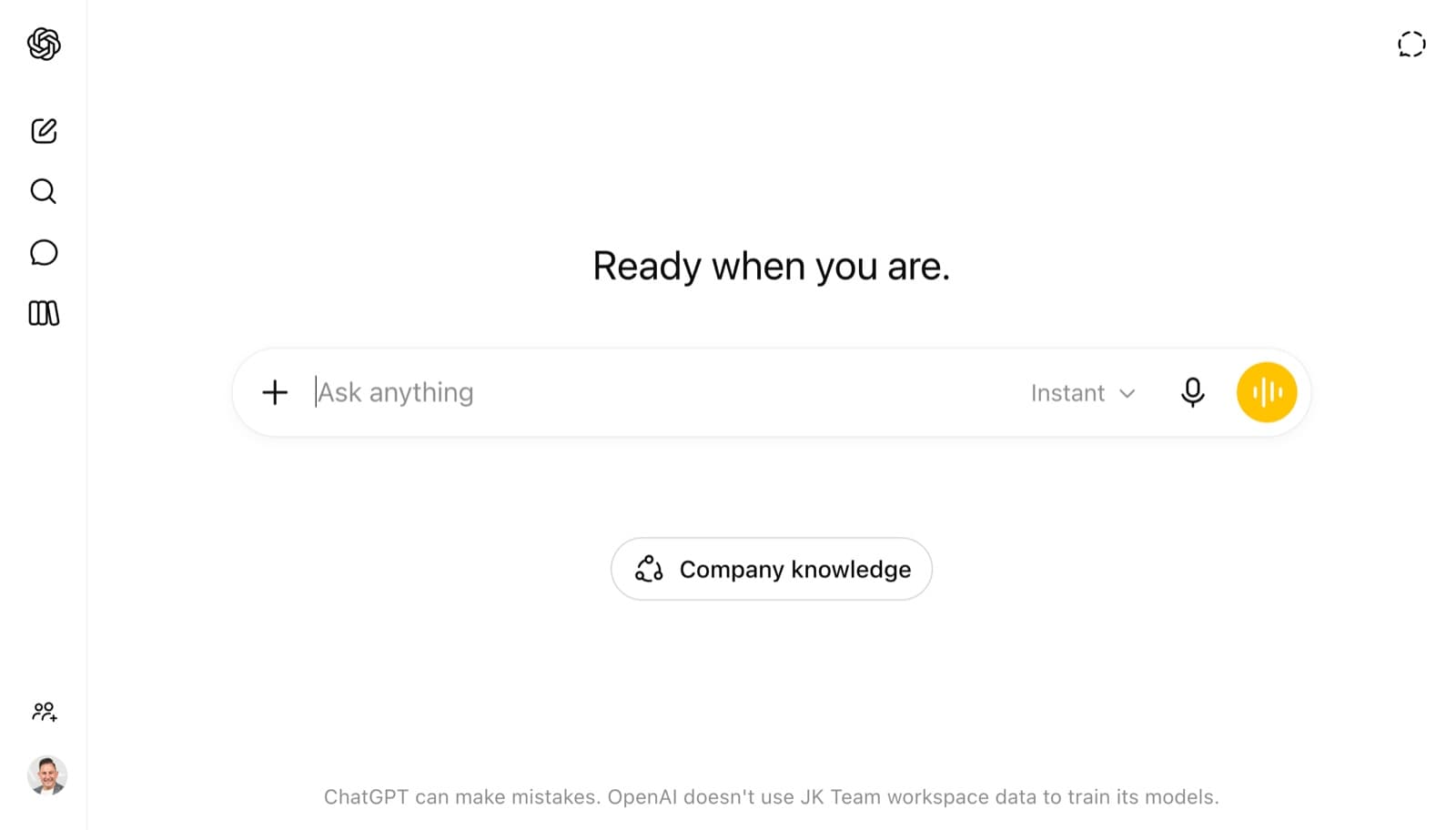
Use Company Knowledge (Business and Enterprise) to connect Slack, Drive, SharePoint and more. It cites which source it used for each answer.
Use Agent Mode for multi-step work in a browser. Use Create Task to schedule recurring work. Use Codex if the task involves code.
Use Voice Mode for a spoken, hands-free conversation. Use Record Mode to transcribe and summarise a live meeting or brainstorm.
Use Images 2.0 to generate visuals from a text prompt. If you want it to reason before it draws, turn on Thinking Mode first.
The rule of thumb: if you are doing the same thing more than twice, there is a feature that automates or streamlines it. Custom Instructions, Memory, Skills, Projects, and Custom GPTs all exist to kill repetitive setup.
Foundations, set these up once
These features work in the background across every conversation. Set them up once and everything you do with ChatGPT gets better automatically.
Models
All plansChoose the brain behind the response
ChatGPT runs on the GPT-5 model family. The everyday default is GPT-5.5 Instant, fast and capable for most tasks. GPT-5.5 Thinking is the frontier reasoning model that shows its plan before responding, so use it for complex strategy, analysis, or anything where you want to see the working. GPT-5.5 Pro (Pro tier) is the current flagship for the most demanding work.
Thinking Mode
Plus+Transparent, step-by-step reasoning before answering
Thinking Mode activates GPT-5.5 Thinking, which shows an upfront reasoning plan before it answers. It does not just give you a smarter answer, it shows you how it got there. That makes it easy to spot gaps, challenge the logic, or redirect it mid-thought. This is a different kind of output, not just a speed-versus-accuracy trade.
Custom Instructions
All plansTell ChatGPT who you are, once
A one-time setup that tells ChatGPT your role, context, preferences, and how you want it to respond. It applies automatically to every conversation from that point on. You stop re-explaining your situation each session. Think of it as onboarding your AI to your world so it shows up informed every time.
Memory
Plus+ChatGPT learns about you over time
Memory stores facts about you across conversations, your name, job, preferences, ongoing projects, and working style. It builds automatically as you chat, and you can view, edit, or delete anything it has saved. The more you use ChatGPT, the more useful it gets. Custom Instructions sets the baseline, Memory grows the relationship over time.
Organise your work
Structure your work in ChatGPT so context persists, files stay accessible, and the right AI setup is always one click away.
Projects
Plus+Persistent workspaces for ongoing work
Projects are persistent workspaces that group related conversations, uploaded files, and custom instructions together. ChatGPT holds full context across every conversation inside a project, so there is no re-briefing between sessions. Each project holds up to 40 files and can carry its own instructions, separate from your global Custom Instructions.
File Library
Plus+Save and reuse files across all your chats
File Library gives your uploaded documents, spreadsheets, and files a permanent home, accessible across any conversation without re-uploading. Before this, every upload was treated as one-off. Now your key reference files live in one place and can be pulled into any chat on demand.
Team Collaboration
Business+Shared projects across your whole team
ChatGPT Business and Enterprise plans support shared Projects, so a team can work from the same context, files, and AI setup. This shifts ChatGPT from a personal productivity tool to a team capability. Same brief, same knowledge base, same AI setup, shared across everyone who needs it.
How you interact with it
ChatGPT is not just a text box. These are the different ways you can give it input, including your voice and live meetings.
Voice Mode
All plansSpeak naturally, it responds in kind
Voice Mode lets you talk to ChatGPT and hear responses out loud, close to real dialogue. Advanced Voice Mode (Plus and above) is emotionally aware, responds with natural pacing and tone, and handles interruptions. It works on mobile, desktop, and Apple CarPlay. Free users get a daily preview, paid users get full access.
Record Mode
Plus+Capture meetings and turn them into structured outputs
Record Mode captures live audio, meetings, brainstorms, voice notes, and produces an editable transcript in Canvas with an automatic summary. It is available on the desktop app (macOS) and rolling out to other platforms. The highest-ROI workflow is Record Mode followed straight away by Deep Research on any unknowns that came up.
Research and information
From a quick fact-check to an analyst-grade report, these features cover the full spectrum of research work.
Web Search
All plansLive information from the internet
Web Search gives ChatGPT live access to the internet, pulling current information into responses rather than relying on its training data alone. It kicks in automatically when a question needs up-to-date information, and you can trigger it yourself for anything that needs a current source.
Deep Research
Plus+Analyst-grade reports, autonomously researched
Deep Research is a multi-step research agent. It plans an approach, searches dozens of sources, reads full articles and PDFs, synthesises the findings, and delivers a cited report. It takes 5 to 30 minutes and is closer to delegating to a research analyst for an afternoon than running a web search. You review and can change the plan before it runs, and interrupt at any time to refine the focus. It connects to SharePoint, OneDrive, Dropbox and Google Drive.
Company Knowledge
Business+ChatGPT connected to your organisation's data
Company Knowledge connects ChatGPT to your internal apps, Slack, Google Drive, SharePoint, GitHub, HubSpot, and 60 or more others, and pulls organisation-specific answers with clear citations back to the source. It respects existing app permissions, so ChatGPT only sees what you are already authorised to access. No company data is used to train models.
Create and produce
The tools that turn a conversation into a finished deliverable: documents, data analysis, visuals, and interactive outputs.
Canvas
Plus+Write and edit together in real time
Canvas is a side-by-side editing space where ChatGPT generates a document or piece of code and you refine it together in real time. Instead of copying outputs back and forth in chat, you work in a shared document with inline edits, version tracking, and section-by-section revision. Canvas can also build interactive apps and call APIs, not just edit text.
Data Analysis
Plus+Upload files, get insights, charts, and summaries
Data Analysis (formerly Advanced Data Analysis) lets you upload spreadsheets, CSVs, sales reports, or financial models and ask ChatGPT to analyse them in plain English. No formulas or coding required. It can clean messy data, run calculations, generate charts, spot trends, and summarise findings. One of the highest-ROI features for any manager dealing with regular reporting.
Image Generation (Images 2.0)
All plansVisuals from a text prompt, with near-perfect text rendering
Images 2.0 is OpenAI's most capable image model (launched 21 April 2026). It applies a thinking step before generating, renders near-perfect multilingual text in images, produces up to eight coherent images from one prompt, and outputs at up to 4K resolution. It replaces DALL-E entirely and is much better for branded visuals, diagrams, and marketing assets.
Build your own AI
These features let you create specialised AI assistants, configured for a specific role, task, or workflow, so you stop starting from scratch every time.
Custom GPTs
Plus+Build a specialist AI, share it with your team
Custom GPTs are tailored versions of ChatGPT, pre-configured with specific instructions, knowledge, capabilities, and tone. Build one once, use it repeatedly, share it across a team, or publish it in the GPT Store. They behave like a specialist assistant for a defined job. No coding required. Think of it as creating a custom AI role in your business.
Skills
Business+Reusable workflows you build once and trigger on demand
Skills are reusable task bundles, instructions plus optional files or code, that teach ChatGPT exactly how to run a specific repeatable task. Instead of re-explaining your process each time, you build the Skill once and fire it with a slash command. Available in ChatGPT Business, Enterprise, and Edu plans, and exportable to other tools that support the Agent Skills format.
Apps (formerly Connectors)
Plus+Connect ChatGPT to your tools and data sources
Apps (renamed from Connectors in December 2025) connect ChatGPT to external services and data so it can pull relevant context straight into responses. Some Apps give you interactive in-chat experiences, others are read/write connectors to tools like Google Drive, Slack, Notion, GitHub, HubSpot, Asana, Dropbox, and 60 or more others. Admins can also build custom connectors to any data source using MCP.
AI that acts, not just advises
The frontier of ChatGPT. These features shift the AI from answering questions to completing work, autonomously, across tools, at scale. Layers 1 to 6 make you faster. Layer 7 is about **delegation**: you describe the outcome you want, and ChatGPT does the multi-step work to get there, browsing, clicking, coding, scheduling, and checks in before anything consequential happens.
Agent Mode
Plus+ChatGPT operates a computer to complete tasks for you
Agent Mode is a general-purpose agent that can reason, plan, browse the web, use tools, and take actions on your behalf, filling in forms, working with documents, building spreadsheets, and holding context across multiple tools. It is the shift from AI that advises to AI that acts. It asks for your approval before any sensitive action (submitting a form, sending an email, making a purchase), so you stay in control. It launched as "Operator" in 2025 and is now built into ChatGPT.
Workspace Agents
Business+Team-level agents configured by admins, shared across the org
Workspace Agents are shared business agents for repeatable workflows across connected tools like Slack, Google Drive and SharePoint, for things like sales prep, ops workflows, customer support and reporting. They are available in Business and Enterprise workspaces. This is where ChatGPT starts operating as an organisational capability rather than a personal tool.
Create Task
Plus+Schedule work to happen automatically
Create Task lets you schedule recurring or one-time operations, reminders, research queries, report generation, or any repeatable action, that ChatGPT runs at a set time, even when you are not in the app. It is the closest thing to a built-in AI scheduler. Up to 40 scheduled tasks per month on Plus.
Codex
Plus+Agentic coding, it writes, tests, and ships code autonomously
Codex is OpenAI's autonomous coding agent, built into ChatGPT. You describe what you want built in plain English, Codex clones your GitHub repository into a sandbox, writes code across multiple files, runs your test suite, fixes failures, and opens a pull request. It works via the ChatGPT web interface, a desktop app (macOS and Windows), CLI, and IDE extensions for VS Code and Cursor. For non-technical users, the point is simple: it is a developer on call, working away while you focus on other things.
Feature quick-reference by planShow tableHide
| Feature | Free | Plus | Business | Pro |
|---|---|---|---|---|
| Chat (Instant model) | ✅ | ✅ | ✅ | ✅ |
| Web Search | ✅ | ✅ | ✅ | ✅ |
| Images 2.0 | ✅ | ✅ | ✅ | ✅ |
| Custom Instructions | ✅ | ✅ | ✅ | ✅ |
| Voice Mode (basic) | ✅ | ✅ | ✅ | ✅ |
| Memory | - | ✅ | ✅ | ✅ |
| Projects + File Library | - | ✅ | ✅ | ✅ |
| Canvas | - | ✅ | ✅ | ✅ |
| Data Analysis | - | ✅ | ✅ | ✅ |
| Thinking Mode | limited | ✅ | ✅ | ✅ |
| Deep Research | 5/mo | 10/mo | 25/mo | 250/mo |
| Custom GPTs | use only | ✅ build | ✅ build | ✅ build |
| Advanced Voice + Record Mode | - | ✅ | ✅ | ✅ |
| Agent Mode | - | 40/mo | ✅ | 400/mo |
| Create Task (scheduled) | - | 40/mo | ✅ | unlimited |
| Apps / Connectors | - | ✅ | ✅ admin | ✅ |
| Skills | - | - | ✅ | ✅ |
| Company Knowledge | - | - | ✅ | - |
| Team Collaboration (shared projects) | - | - | ✅ | - |
| Codex (agentic coding) | limited | ✅ | ✅ | ✅ full |
Limits change often
Limits are accurate as of June 2026. OpenAI updates them regularly, so verify at openai.com/pricing for the latest.

Want your team fluent in ChatGPT?
Justin Kabbani runs hands-on training that turns ChatGPT from a curiosity into daily capability across your organisation.