
Compare AIs
Four tools,
one set of moves
The overview that sits above the four deep-dive guides. Learn the language of one platform, then read across to find what the same thing is called in the others. Then see clearly which one to reach for and when.
Background image generated with Google Nano Banana Pro.
One line on each
Before the detail, the single sentence that captures what each platform is built around. The vocabulary differs, but understanding the core philosophy tells you why each one names things the way it does.
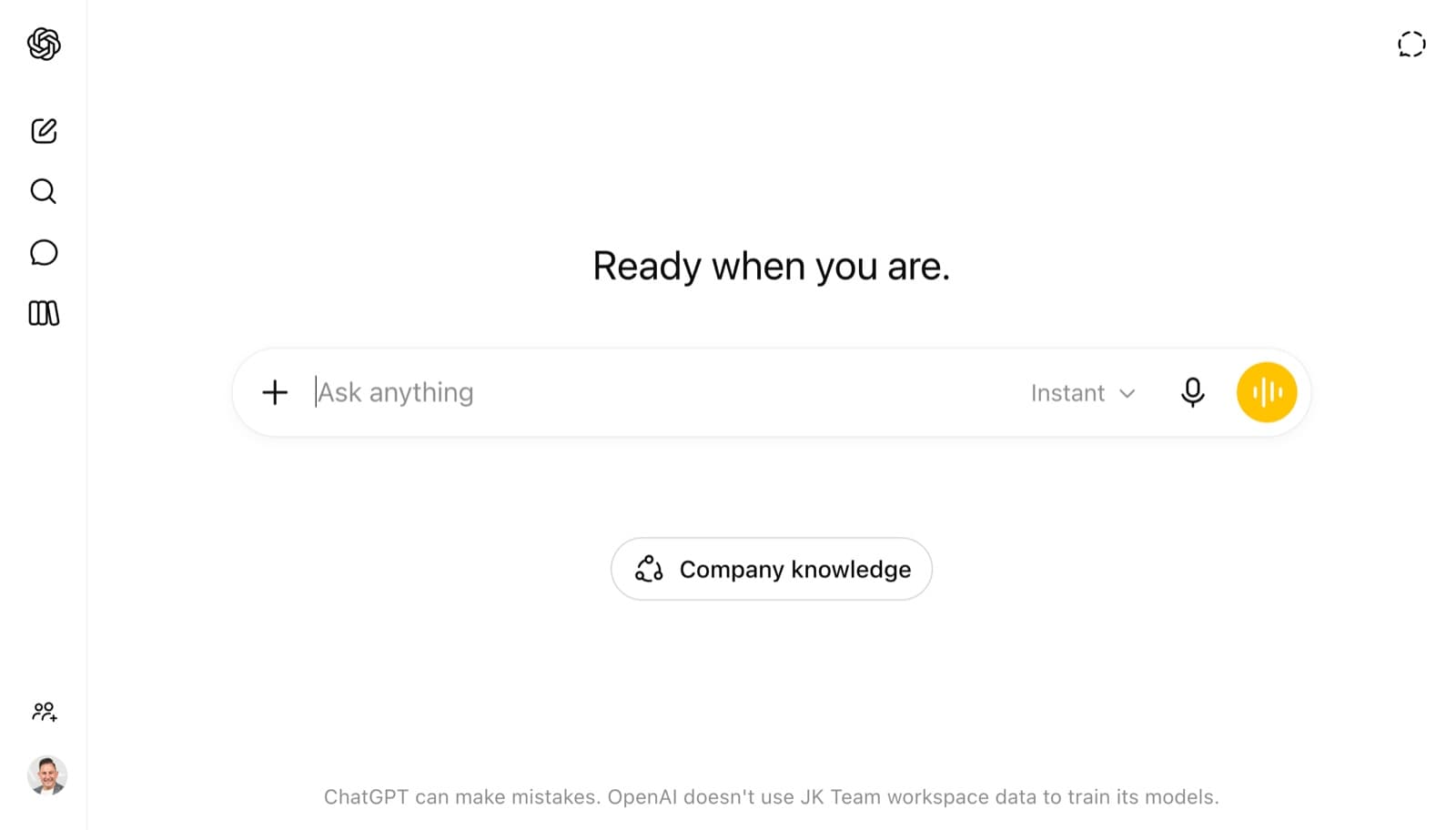

ChatGPT
The broadest toolbox. A feature for almost every job, and the largest third-party ecosystem. Reach for it when you want range and the newest capabilities first.
Go deeper →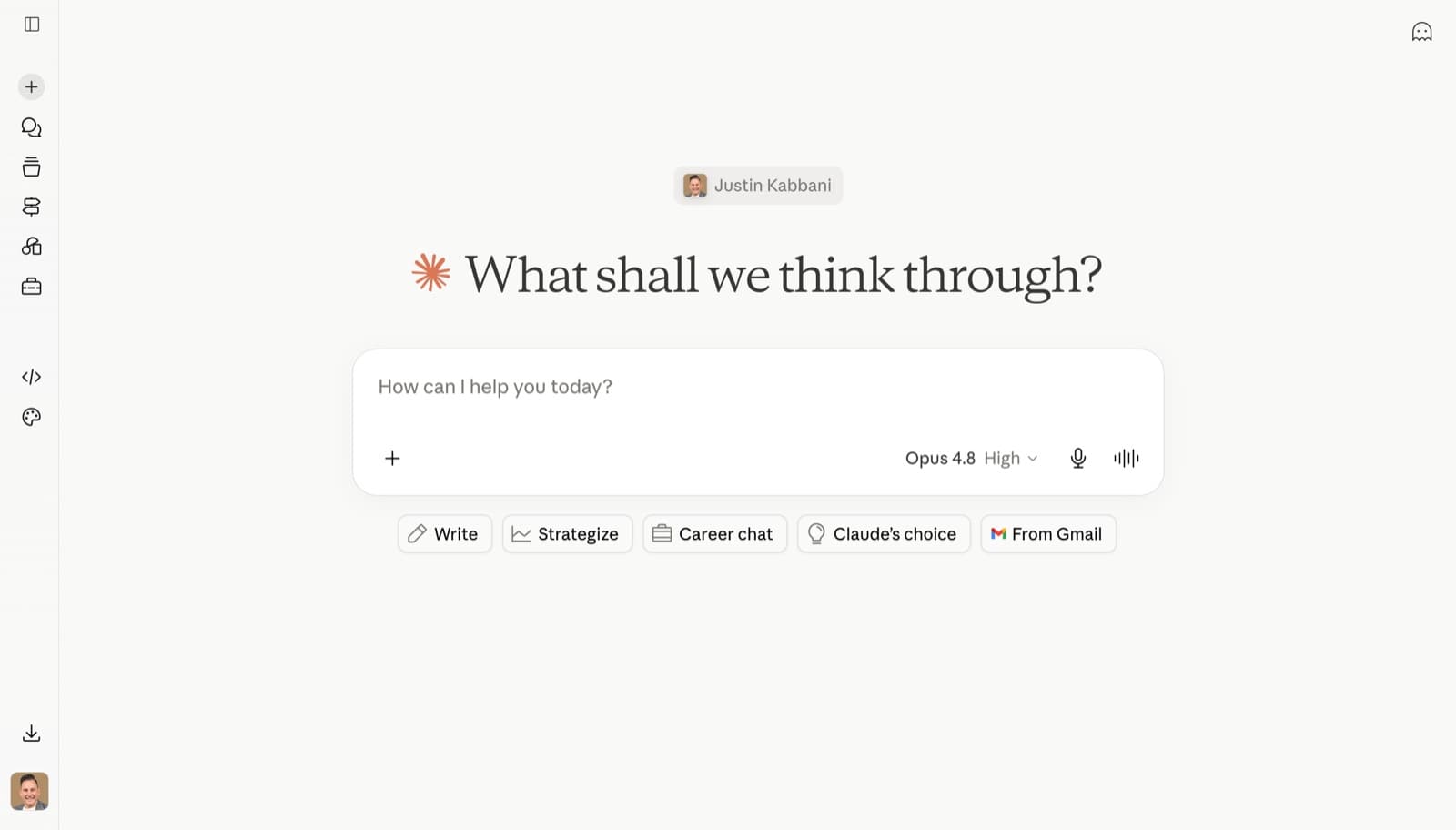

Claude
Built around deep reasoning and large context. Strongest for nuanced writing, analysis, and building your own tools through Skills and connectors.
Go deeper →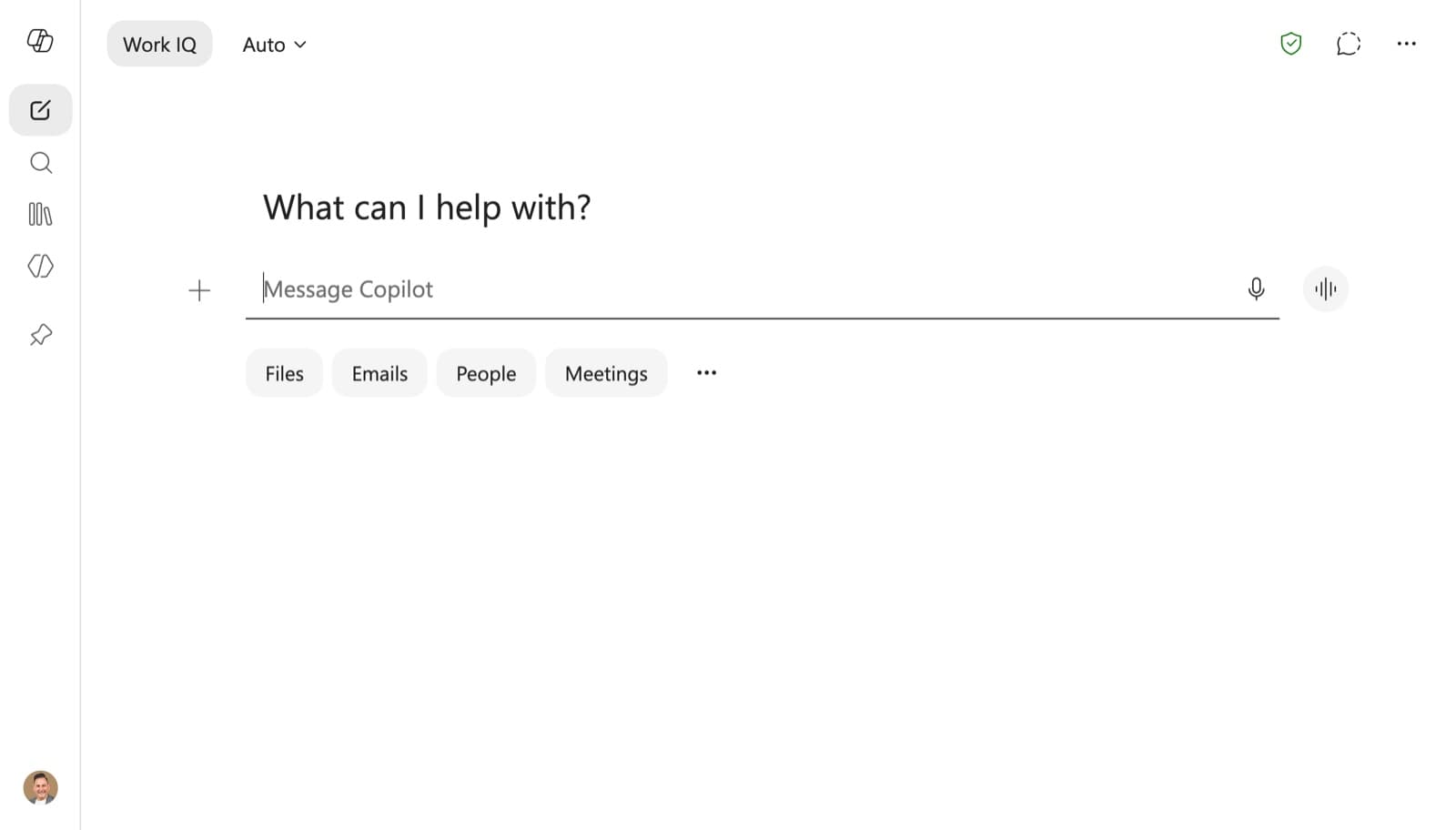

Copilot
Lives inside your work. Already knows your emails, files and meetings through Work IQ. Strongest if your organisation runs on Microsoft 365.
Go deeper →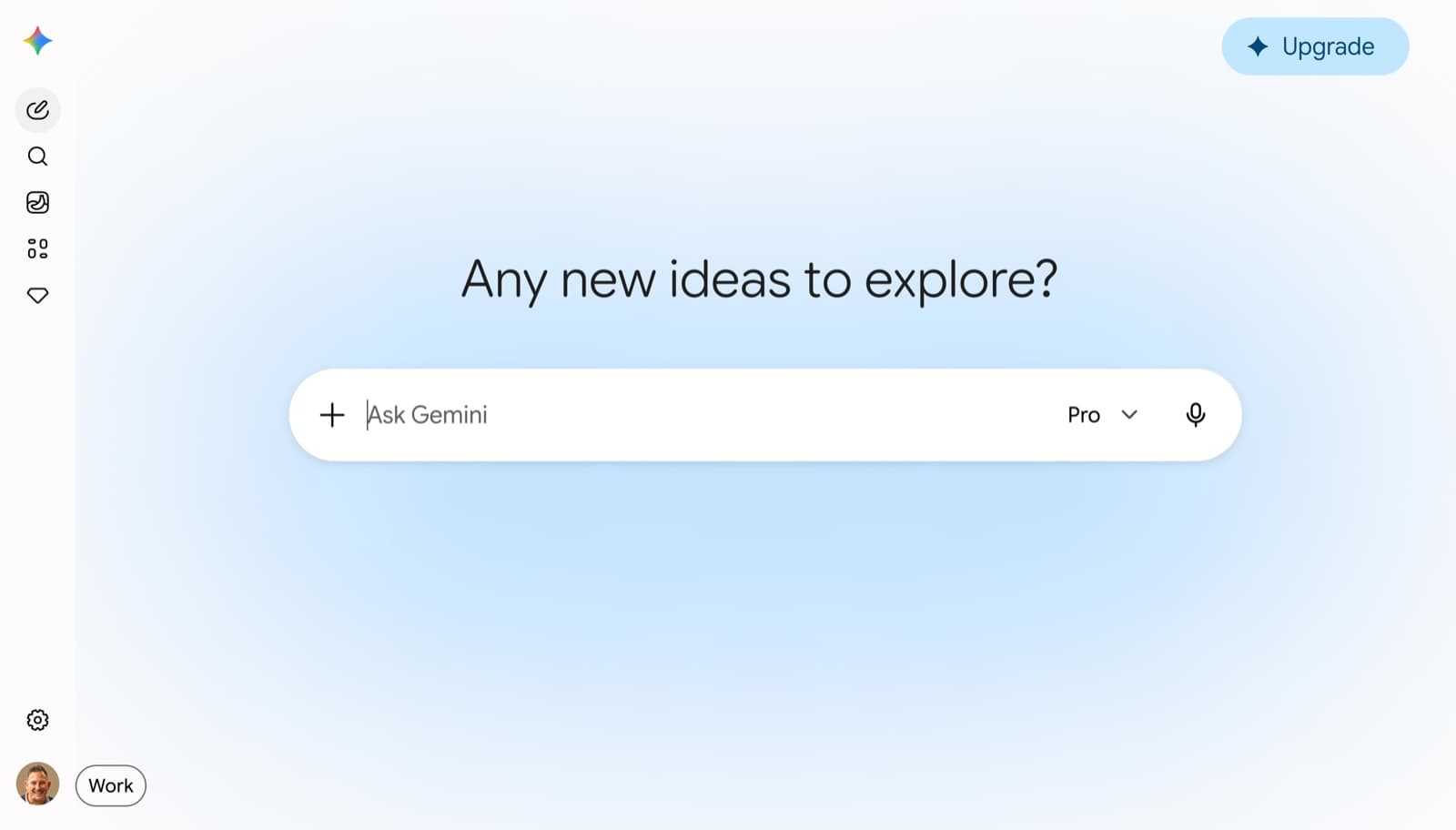

Gemini
Real-time Google Search plus deep Workspace integration. Strongest if your team lives in Gmail, Docs and Drive. Agentic layer still arriving.
Go deeper →The terminology translator
All four platforms have converged on the same core concepts. Each calls them something different. If you are fluent in one and lost in another, this is your Rosetta Stone. Read across each row to find the equivalent term. Where a mapping is loose rather than exact, there is a note.
| The concept |  ChatGPT ChatGPT |  Claude Claude |  Copilot Copilot |  Gemini Gemini |
|---|---|---|---|---|
The AI brain The model doing the thinking | GPT-5.5 | Claude Opus / Sonnet / Haiku | GPT-5.5 or Claude Opus | Gemini 3.5 Flash / 3.1 Pro |
Standing instructions How you want it to always behave | Custom Instructions | Custom Instructions | Custom Instructions | Instructions for Gemini |
NoteGemini's version lives inside Personal Intelligence and works on personal Google accounts with an AI plan only. It is not available on work or school Workspace accounts. For Workspace users, the equivalent is set inside the Gemini side panel in Google Docs. | ||||
Long-term memory Remembers you between chats | Memory | Memory | Memory | Personal Intelligence |
NoteGemini splits this. Personal Intelligence pulls live context from your Gmail, Drive and Calendar, which is broader than the others' Memory. The closest pure-memory equivalent sits inside that feature. | ||||
Organised workspace A home for one project's chats and files | Project | Project | Copilot Notebook | NotebookLM / Gem |
NoteClosest match for project continuity is NotebookLM. But Gemini has no single perfect equivalent: a Gem is closer to a Custom GPT, while NotebookLM is grounded only on sources you add. See the agentic tier for custom assistants. | ||||
Custom AI assistant A reusable AI built for one job | Custom GPT | Skill | Copilot Agent | Gem |
NoteClose cousins, not identical. A Custom GPT and a Gem package instructions plus knowledge into a reusable persona. A Claude Skill is more procedure-shaped, a repeatable capability. A Copilot Agent can take autonomous actions across your org. Same family, different centre of gravity. | ||||
Live editable output A document the AI builds with you | Canvas | Artifact | Copilot Pages | Canvas |
Deep research Multi-source cited report | Deep Research | Research | Researcher (agent) | Deep Research |
Live web access Pulls current information | Web Search | Web Search | Work IQ (web grounding) | Google Search grounding |
Voice conversation Talk to it out loud | Voice Mode | Not built-in | Copilot Voice | Gemini Live |
Image generation Make a picture from a prompt | Images 2.0 | Not built-in | Designer / Copilot | Nano Banana |
NoteClaude does not generate images natively. It can build image-producing tools and design assets via Claude Design and Artifacts, but for direct text-to-image, the other three lead. | ||||
| The concept | ChatGPT | Claude | Copilot | Gemini |
|---|---|---|---|---|
Step-by-step reasoning Shows its working on hard problems | Thinking | Extended Thinking | GPT-5.5 Thinking | Deep Think |
Connect to other apps Link to external tools and data | Apps / Connectors | MCP Connectors | Connectors / Graph | Extensions |
NoteClaude's MCP (Model Context Protocol) has become the open industry standard. Several other platforms now support MCP connections too, so this term increasingly travels across all four. | ||||
Long-running autonomous work Delegate a multi-step task that unfolds over time | Agent Mode | Cowork / Computer Use | Copilot Cowork | Gemini Spark |
NoteThis is the fastest-moving category in 2026. Gemini Spark is still rolling out (US beta, Workspace preview this summer). Copilot Cowork is Frontier-programme only. Maturity varies a lot, even though the concept is shared. | ||||
Build agents without code Platform for making your own AI agents | GPT Builder | Skill / Agent SDK | Copilot Studio | Workspace Studio |
Scheduled tasks Set work to run automatically later | Create Task | Via Cowork | Scheduled (in agents) | Scheduled Actions |
Coding agent AI that writes and runs code | Codex | Claude Code | GitHub Copilot | Antigravity / Code Assist |
Grounded knowledge base AI answers only from sources you give it | Project files | Project knowledge | Copilot Notebook | NotebookLM |
Team / shared workspace Colleagues work from the same context | Shared Projects | Team Projects | Shared Notebooks / Pages | Shared Gems / Drive |
Meeting intelligence Transcribe and summarise meetings | Record Mode | Not built-in | Copilot in Teams | Gemini in Meet |
Capability snapshot
Not a scorecard with an overall winner, because there is no honest overall winner. Each platform leads somewhere. This shows relative strength by job, so you can match the tool to the task. More filled dots means stronger for that specific job, as of June 2026.
| The job | ChatGPT | Claude | Copilot | Gemini |
|---|---|---|---|---|
Deep reasoning and analysis Hard, nuanced thinking | Leads | Leads | ||
Long-form writing Quality and voice control | Leads | |||
Research with citations Multi-source synthesis | Leads | |||
Data and spreadsheets Analysis in your files | Leads | |||
Image and video Visual content creation | Leads | |||
Build your own AI Custom assistants and tools | Leads | |||
Agentic / autonomous work Delegating multi-step tasks | Leads | |||
Meetings Transcribe and summarise | Leads | |||
Works in your existing apps Lives where you work | Leads | Leads |
Dots reflect relative strength for a specific job, not overall quality. All four are excellent general assistants. The differences show up at the edges, and the edges are where the right choice gets made. Capability also moves monthly. Treat this as a June 2026 snapshot, not a permanent ranking. The strategic move is rarely pick one and abandon the rest. It is knowing which to reach for, for which job.
Which should I actually use?
The honest answer usually starts with what you already pay for and where your data lives. Most people in a business already have one of these by default. Here is how a strategist would decide, by scenario.
You are paying for it inside your licence, and its Work IQ context advantage is real. It already knows your emails, files and meetings. Get fluent here first. Reach for ChatGPT or Claude when you need stronger reasoning or want the newest capabilities before Microsoft ships them.
It is bundled into your Workspace plan and lives inside Gmail, Docs and Drive. Workspace Intelligence plus live Google Search is a real edge. Watch the agentic features arriving this summer. Pair with Claude when a task needs the deepest reasoning.
For nuanced analysis, high-quality long-form writing, and building your own tools through Skills and MCP, Claude leads. It is also the strongest for serious agentic work via Cowork and Claude Code. The trade-off: no native image generation, no meeting transcription.
The broadest toolbox and the largest third-party ecosystem. New capabilities tend to land here first, and it has a strong answer for nearly every job. A safe, capable default if you are not locked into Microsoft or Google. Excellent all-rounder.
Gemini's Nano Banana and Omni video lead in 2026, with ChatGPT's Images 2.0 a strong rival. Copilot handles basic visuals through Designer. Claude does not generate images directly, though it can build design assets and image-producing tools.
Only Copilot (in Teams) and Gemini (in Meet) transcribe and summarise meetings natively. If meetings are central to your workflow, your platform choice may simply follow your video tool: Teams points to Copilot, Google Meet points to Gemini.
The biggest mistake is treating this as a single winner-take-all choice. The top 1% use the right tool for the job. Most professionals end up with a default driven by their employer's stack, plus one deliberately chosen second tool for the work their default does poorly. Master your default first. Add a second for its edge. Ignore the rest until a real job demands them. That is how you get leverage without drowning in tools.
Turn tool choice into team capability
Knowing the platforms is step one. Justin Kabbani trains businesses, leaders and teams to put them to work, so AI saves real hours and unlocks what your people are truly capable of.
Work with Justin