
Is Google Gemini the best AI for my business?
Google Gemini
Every Feature. Explained Simply.
A complete guide to what Gemini can do across the app, Google Workspace, and everything announced at Google I/O 2026.
Google's I/O keynote on 19 May 2026 was one of the most feature-dense in years, and the theme was a clear shift from AI assistants to AI agents. Live now: Gemini 3.5 Flash as the new default model, the Neural Expressive redesign, Daily Brief for US paid subscribers, video generation, and inline Gemini Live. Rolling out now: Gemini Spark, Deep Research Max, and Workspace voice features. Coming this summer: Google Pics, Spark for Workspace business, Gemini 3.5 Pro, and Talk to Keep.
How to pick the right feature
The Gemini advantage: Google's deepest strength is ecosystem integration. Gemini lives inside every Google app you already use, Gmail, Docs, Sheets, Slides, Drive, Meet, and Calendar, and it has access to Google Search in real time. Workspace Intelligence means Gemini automatically knows what you are working on across all your Google apps before you even write a prompt. If your team already lives in Google Workspace, Gemini's context advantage is the deepest of any AI platform in 2026.
Open the Gemini app or gemini.google.com. The new Neural Expressive interface shows the most important information at the top. Turn on Google Search grounding for anything that needs current information.
Use Gemini in Docs with the side panel or "Help me create". It drafts from a brief, pulling context from Drive, Gmail, and Chat without you manually attaching anything.
Use Gemini in Sheets. Prompt it to pull data from Gmail, Drive, and Chat, create a structured spreadsheet, build charts, and fill tables. "Fill with Gemini" handles incomplete datasets instantly.
Use Gemini in Gmail. It drafts replies in your style, summarises long threads with citations, automatically finds calendar invites buried in email, and gives you "AI Overview" search across your entire inbox history.
Use Gemini in Slides to generate a first-draft deck from a brief, suggest layouts, rewrite slide copy, and generate AI images for slides using Nano Banana. Export from Canvas to Slides with one click.
Use Gemini in Meet. It transcribes live, generates structured summaries with action items, and produces Audio Overviews you can listen to later. Take Notes with Gemini runs automatically in the background.
Use Deep Research for multi-source, cited reports from across the web and your Workspace data. Use Deep Research Max for the most comprehensive, long-running research tasks with collaborative planning.
Use NotebookLM. Upload files, add Drive folders, paste URLs, and Gemini reasons across all of it. It produces Audio Overviews, study guides, mind maps, and structured notes grounded only in your sources.
Build a Gem, a custom AI with a defined role, knowledge sources (including Drive and NotebookLM), and default tools. Gems are reusable, shareable, and apply only when you open them, not to every conversation.
Use Gemini Spark, a 24/7 cloud-based agent that works across Gmail, Docs, Slides, and connected apps, asking before taking sensitive actions. Rolling out now for Ultra, coming to Workspace business this summer.
The Gemini advantage in one sentence: Gemini does not just answer your question. It already knows what you are working on, what is in your inbox, what your next meeting is, and who you work with. That context comes for free the moment Workspace Intelligence is enabled.
Foundations, understand these first
These are the core building blocks. Understanding how Gemini models work and how Workspace Intelligence operates makes every other feature make sense.
Models
All plansGemini 3.5 Flash, 3.5 Thinking, 3.1 Pro
Gemini runs on a family of models in 2026. Gemini 3.5 Flash (launched at I/O 2026 on 19 May) is the new default across the Gemini app and Workspace. It combines frontier intelligence with agentic capability at 4x faster output than 3.1 Pro, and excels on coding and agentic benchmarks. Gemini 3.5 Thinking is the reasoning model, made for tasks that need step-by-step logic and longer deliberation. Gemini 3.1 Pro (February 2026) is a strong reasoning model for the most complex tasks, with a 1M token context window. Gemini 3.5 Flash is the default for everyday work. Gemini Omni Flash is an emerging video model that generates video from text, images, and clips. Gemini 3.5 Pro is in testing, expected "next month".
Workspace Intelligence
Workspace Business+Gemini automatically knows your work across all Google apps
Workspace Intelligence (launched 22 April 2026) is the intelligence layer that maps your emails, files, chats, meetings, and collaborators across Gmail, Drive, Calendar, Chat, Docs, Sheets, and Slides into live context for Gemini. It works automatically. By default, Gemini has this context loaded before you write a prompt. The goal is to stop making workers feed context to the AI on every request. Third-party connectors (HubSpot, Salesforce, Asana, Jira) extend it beyond Google's own apps, and data is never used for ads or model training without permission.
Personal Intelligence
AI Pro+Gemini learns your preferences and works proactively for you
Personal Intelligence connects the Gemini app to your Gmail, Drive, and Calendar to automatically prepare context before meetings and tasks, reading relevant email threads, documents, and calendar events without manual input. It is the personal counterpart to Workspace Intelligence. Workspace Intelligence covers your org context, Personal Intelligence covers your individual life and work patterns. It is available on Google AI Pro and Ultra personal subscriptions, and is currently for personal Google accounts. For Workspace enterprise users, the equivalent is Workspace Intelligence.
Instructions for Gemini
AI Pro+Tell Gemini who you are and how to respond, once
Gemini's custom instructions feature is called "Instructions for Gemini" and lives inside the Personal Intelligence settings (Settings, then Personal Intelligence, then Instructions for Gemini). You set them once and they apply to every chat, your role, communication style, and preferred output format. A few caveats your participants need to know. It requires a personal Google account and a Google AI plan, and is not available on work, school, or supervised Workspace accounts, so most business attendees on a Workspace login will not see it here. It does not apply to Gems or Live chats, and is unavailable in the EEA, Switzerland, and the UK (Australia is fine). For Workspace business users, the equivalent is persistent custom instructions set inside the Gemini side panel in Google Docs.
The Gemini app, your AI home base
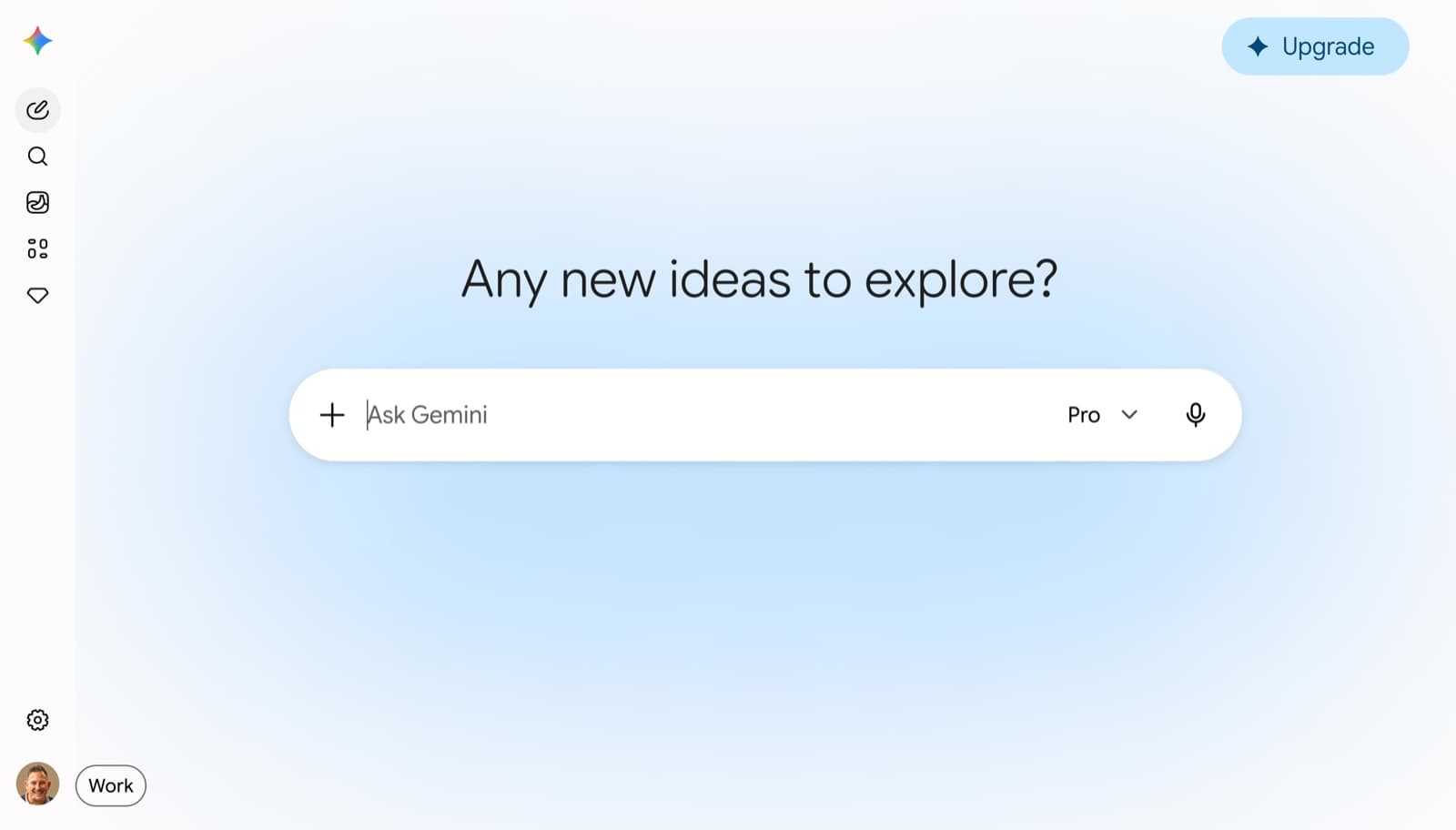
The Gemini app is where all of Gemini's capabilities converge, models, tools, agents, and Workspace context in one place. It is now used by 900 million people a month and was redesigned at I/O 2026 with a new design language called Neural Expressive. The redesign rolls out globally on Android, iOS, and the web from 19 May. Key changes: a pill-shaped prompt box, tool shortcuts below the input (Deep Research, Canvas, Create image, Create video, Create music, Guided Learning, Personal Intelligence), inline Gemini Live, responses with the most important information surfaced first, and a new navigation drawer with Library, Gems, and Notebooks. Gemini 3.5 Flash is now the default model across all plans.
Deep Research
All plansMulti-source research reports, web, your files, and Workspace data
Deep Research is Gemini's autonomous research agent. It plans a research approach, searches hundreds of web sources, reads full articles, cross-references findings, and delivers a structured cited report. Before it runs, it presents a research plan you can review and modify. Reports run in 5 to 15 minutes depending on complexity, and you can upload your own files and include Workspace data alongside public web sources. Reports can become Audio Overviews, export to Google Docs, or convert into Canvas content. Limits vary by plan: Free gives up to 5 reports a month, AI Pro 20 a day, AI Ultra higher still. Deep Research Max (in preview for API and enterprise) adds collaborative planning, visualisations, MCP server connections, and File Search for accuracy-critical, long-running work.
Canvas
All plansLive editing environment for documents, code, and creative work
Canvas is Gemini's side-by-side editing environment, a live document or code workspace that appears alongside the chat. You describe what you want, Gemini generates a first version in Canvas, and you refine through conversation and direct editing. Canvas integrates with the full Gemini toolset. A Deep Research report can become a Canvas document, a Canvas document can become an Audio Overview, and a Canvas doc can export directly to Google Docs. Available on all plans.
Gemini Live
All plansReal-time voice conversation, now inline, not fullscreen
Gemini Live enables natural, real-time spoken conversation with Gemini, including the ability to interrupt, pause, and pick up where you left off. With the I/O 2026 redesign it is now an inline experience. You no longer have to switch to a separate fullscreen mode, it opens directly in the chat interface. Live supports Workspace Intelligence and Personal Intelligence context, so Gemini can reference your emails and files in voice conversations. Available on Android, iOS, and the web.
Daily Brief
AI Pro+Personalised morning digest of what matters today
Daily Brief is a proactive agent that surfaces every morning as a personalised digest, pulling from your inbox, calendar, and task list to deliver a prioritised overview of the day ahead. It does not just summarise. It suggests next steps and surfaces the most pressing items first. It marks the shift of Gemini from reactive chatbot to proactive personal operating system. It launched on 19 May 2026 for US AI Plus, Pro, and Ultra subscribers, with international rollout and Workspace business access to follow.
Image Generation (Nano Banana)
All plansCreate visuals from a text prompt, Google's Nano Banana model
Gemini generates images using Google's Nano Banana model (Gemini 3.1 Flash Image), reached via the "Create image" shortcut in the new tool bar below the prompt. Nano Banana's distinctive advantage is real-time Google Search grounding, so it can incorporate accurate visual reference (current geography, real buildings, verified product appearances) where other models would hallucinate. AI Pro and Ultra subscribers get higher-quality Nano Banana Pro. Google Pics (announced at I/O 2026) will become the dedicated image creation and editing app this summer, offering more precise control than prompt-only generation.
Video Generation (Gemini Omni Flash)
AI Pro+Generate and edit cinematic video from text, images, and clips
Gemini Omni Flash (launched at I/O 2026) is the first model in the Omni family, generating high-quality video from text prompts, uploaded images, and existing video clips. You edit via conversational prompts instead of traditional timelines: "remove the person in the background", "change the lighting to golden hour", "preserve the character across all scenes". It is available in the Gemini app (AI Plus, Pro, Ultra) and in Google Flow for creative video production, and maintains character consistency across scenes. The full Gemini Omni model, which also adds image and text output, is still in development.
Gems
All plansCustom AI assistants, build once, reuse forever
Gems are custom AI assistants you build with a defined role, knowledge sources, and default tools. Unlike Instructions for Gemini, which apply globally, a Gem only activates when you open it, keeping your different AI contexts clean and separate. A Gem can include uploaded files, Google Drive connections, NotebookLM notebooks as knowledge sources, and a set of default tools (Deep Research, image generation, and others). Google provides pre-made Gems (coding assistant, writing editor, research analyst), and you can build unlimited custom ones. Gems are shareable, so you can hand a team member a Gem you built and it carries all the instructions and knowledge sources.
Gemini Spark
AI Ultra+24/7 personal AI agent, works across your apps autonomously
Gemini Spark is Google's answer to agentic AI, a 24/7 cloud-based personal agent built on Gemini 3.5 and the Antigravity platform. Spark is designed to work continuously in the background across Gmail, Docs, Slides, and partner apps via Model Context Protocol, proactively managing tasks and taking actions on your behalf. It asks for approval before sensitive actions like sending emails, adding calendar events, or making purchases. The US AI Ultra beta is rolling out from 26 May, and Workspace business customers get preview access this summer.
Gemini Deep Think
AI Ultra+Google's reasoning mode for complex, open-ended problems
Deep Think is Google's reasoning mode for complex, open-ended problems that need deep logic, step-by-step planning, and rigorous self-verification. Instead of answering immediately, it uses reinforcement learning and parallel thinking to explore multiple hypotheses, poke holes in its own logic, and correct mistakes before it answers. It is built on Google's frontier models (Gemini 3.1 Pro) and made for deep work in science, mathematics, coding, and engineering. It is a premium feature. It is available to Google AI Ultra subscribers in the Gemini app via the "Thinking Level" toggle, and to select researchers and enterprises through the Gemini API.
Scheduled Actions
AI Pro+Set tasks to run automatically at a specified time
Scheduled Actions let you set up tasks that Gemini executes at a specified time, recurring reminders, research queries, summaries, or any action you want automated on a schedule. It is the simpler, lighter version of agentic scheduling, available now on AI Pro plans ahead of the full Spark agent rollout. It is useful for recurring daily or weekly tasks where you want the output waiting for you rather than needing to initiate it.
NotebookLM, Gemini's research and knowledge workspace
NotebookLM is Gemini's dedicated research workspace, distinct from the main Gemini app. It is built for deep work with specific source materials, not general conversation, and it is one of the most underused and highest-value features in the Google AI ecosystem. The key distinction: the Gemini app knows everything across your whole Google ecosystem and the web, it is broad. NotebookLM only knows what you put in it, it is deep. Use the Gemini app when you want broad context. Use NotebookLM when you want Gemini to stay strictly within a defined set of sources and not hallucinate beyond them. The two complement each other: use NotebookLM to build the knowledge base, use Gemini to act on it.
NotebookLM
All plansAI grounded entirely on your sources, no hallucination beyond what you upload
NotebookLM is a grounded research workspace. You add sources (PDFs, Google Docs, Drive folders, YouTube links, websites, audio files, and now entire SharePoint sites via Workspace integration) and Gemini reasons only within those sources. It will not make things up beyond your material. From your sources it produces structured summaries, Audio Overviews (podcast-style summaries you can listen to), interactive Q&A, mind maps, study guides, flashcard sets, and written briefs. Notebooks can be shared with colleagues who can then chat with the same material. It is powered by Gemini 3.1 Pro for AI Pro and Ultra subscribers, with up to 300 sources per notebook on paid plans.
Audio Overview
All plansTurn any document or research into a spoken podcast-style summary
Audio Overview converts any set of uploaded sources, or a Deep Research report, Canvas document, or Gemini conversation, into a spoken audio track that sounds like a short podcast discussion. Two AI voices discuss the key themes, explain concepts, and highlight the most important points. It is available in the Gemini app and NotebookLM. It is particularly useful for consuming research during commutes, travel, or when switching from screen-based work to movement.
Gemini inside Google Workspace apps
Unlike standalone AI tools, Gemini lives inside the apps your team already uses, and it has direct access to the data in each one. Gemini AI is now included in all paid Google Workspace Business Standard plans and above at no extra cost.
Gemini in Gmail
Workspace Business+Draft, summarise, search, and manage your inbox with context
Gemini in Gmail drafts replies in your writing style, summarises long threads with citations, and auto-detects calendar invites buried in emails. "Help me write" generates first drafts from a brief. The "AI Overview" feature lets you ask questions about your email history ("Who gave me a quote for the Melbourne office fit-out?") and Gemini searches across your entire inbox to find it. Smart Compose suggests completions as you type. It is available on mobile (iOS and Android) as well as desktop, and implicit grounding means you can reference email threads in your prompts without manually attaching them.
Gemini in Docs
Workspace Business+Draft, rewrite, summarise, and create fully styled documents
"Help me create" in Docs generates a complete first draft pulling from Drive, Gmail, and Chat. You describe what you want, and Gemini assembles it with context from your workspace. Automatic summarisation surfaces key points from any long document, and citations are now displayed automatically whenever Gemini draws from web content or Workspace sources. Gemini can create fully styled, formatted documents, not just plain text, choosing appropriate layouts, headings, and visual structure. Voice features coming this summer will let you speak directly to Gemini inside Docs.
Gemini in Sheets
Workspace Business+Build spreadsheets, generate formulas, and pull data from across Workspace
Gemini in Sheets can generate a fully structured spreadsheet from a single prompt, pulling data from Gmail, Drive, and Chat. "Fill with Gemini" speeds up populating tables from raw or incomplete data. It generates formulas and pivot tables in plain English, creates charts and visualisations, and analyses datasets for patterns and anomalies. Workspace Intelligence means it knows what project you are working on and can pull relevant numbers without you specifying the source.
Gemini in Slides
Workspace Business+Generate deck structure, rewrite copy, and create AI images for slides
Gemini in Slides suggests layouts, rewrites slide text for different audiences and tones, generates Nano Banana images directly for slides, and can build a full deck from a brief. Google Pics (coming this summer) will add more precise image editing directly inside Slides. Export from Canvas to Slides is one click. For internal presentations, Gemini's formatting capability alone, consistently applying layout and structure across a deck, saves significant manual work.
Gemini in Meet
Workspace Business+Meeting intelligence, transcribe, summarise, and produce action items
Gemini in Meet automatically transcribes meetings, generates structured summaries with key decisions and action items, and produces Audio Overviews you can listen to afterwards. "Take Notes with Gemini" runs in the background, so you do not need to activate it mid-meeting. After the meeting, you can ask Gemini questions about what was discussed from the transcript. Meeting notes can export to Docs, convert to Canvas, or go to a NotebookLM notebook, and live captions in 65+ languages are also powered by Gemini.
Workspace Studio
Workspace Business+Build AI agents and automations, no code required
Workspace Studio (GA December 2025) is Google's no-code platform for building AI agents and workflow automations inside Google Workspace. Describe an automation in plain English and Workspace Studio builds it, connecting Gmail, Sheets, Drive, and third-party apps. Early examples include competitor research workflows that used to take hours, automated booking confirmations for service businesses, and content batch-processing for teams. It is the equivalent of Microsoft's Copilot Studio, built for the Google Workspace ecosystem.
Feature quick-reference by planShow tableHide
| Feature | Free | AI Plus $7.99/mo | AI Pro $19.99/mo | AI Ultra $99.99/mo | Workspace Business Std $14/user |
|---|---|---|---|---|---|
| Gemini 3.5 Flash (default) | Yes | Yes | Yes | Yes | Yes |
| Gemini 3.1 Pro access | Daily limit | Limited | Yes, full 1M context | Yes, full | Yes, via Workspace |
| Instructions for Gemini (personal account, in Docs for Workspace) | No | Yes | Yes | Yes | In Docs only |
| Gems (custom AI) | Yes | Yes | Yes | Yes | Yes |
| Canvas | Yes | Yes | Yes | Yes | Yes |
| Deep Research | 5/month | Limited | 20/day | Yes, high limits | Yes |
| Image generation (Nano Banana) | Yes | Yes | Yes, Pro model | Yes, Pro model | Yes |
| Video generation (Omni Flash) | No | Yes | Yes | Yes | Via Flow |
| Gemini Live (voice) | Yes | Yes | Yes | Yes | Yes |
| Daily Brief | No | Yes, US | Yes, US | Yes, US | Coming summer |
| Gemini Spark (agent) | No | No | No | US beta | Coming summer |
| NotebookLM | Yes, 50 sources | Yes | Yes, 300 sources | Yes, 300 sources | Yes, enhanced |
| Personal Intelligence | No | Yes, expanding | Yes | Yes | No, see Workspace Intelligence |
| Workspace Intelligence (org context) | No | No | No | No | Yes |
| Gemini in Gmail / Docs / Sheets / Slides / Meet | No | No | No | No | Yes |
| Workspace Studio (build agents) | No | No | No | No | Yes |
| No training on data | Opt-out required | Opt-out required | Opt-out required | Opt-out required | Yes, default off |
The one thing that makes Gemini different
Gemini's core advantage is ecosystem depth. Google Search is built in, so Gemini always has access to live information. Google Workspace is built in, so if your team runs on Gmail, Docs, and Drive, Gemini already lives where your work happens. The combination of real-time search grounding and Workspace Intelligence means Gemini starts every conversation closer to your context than any standalone tool. The trade-off: if you do not use Google Workspace, you lose the Workspace Intelligence layer and Gemini becomes a capable but less contextual tool. And unlike ChatGPT and Claude, Gemini's agentic features, Spark especially, are still rolling out. The biggest capabilities announced at I/O 2026 are coming this summer, not today. Watch this space closely.
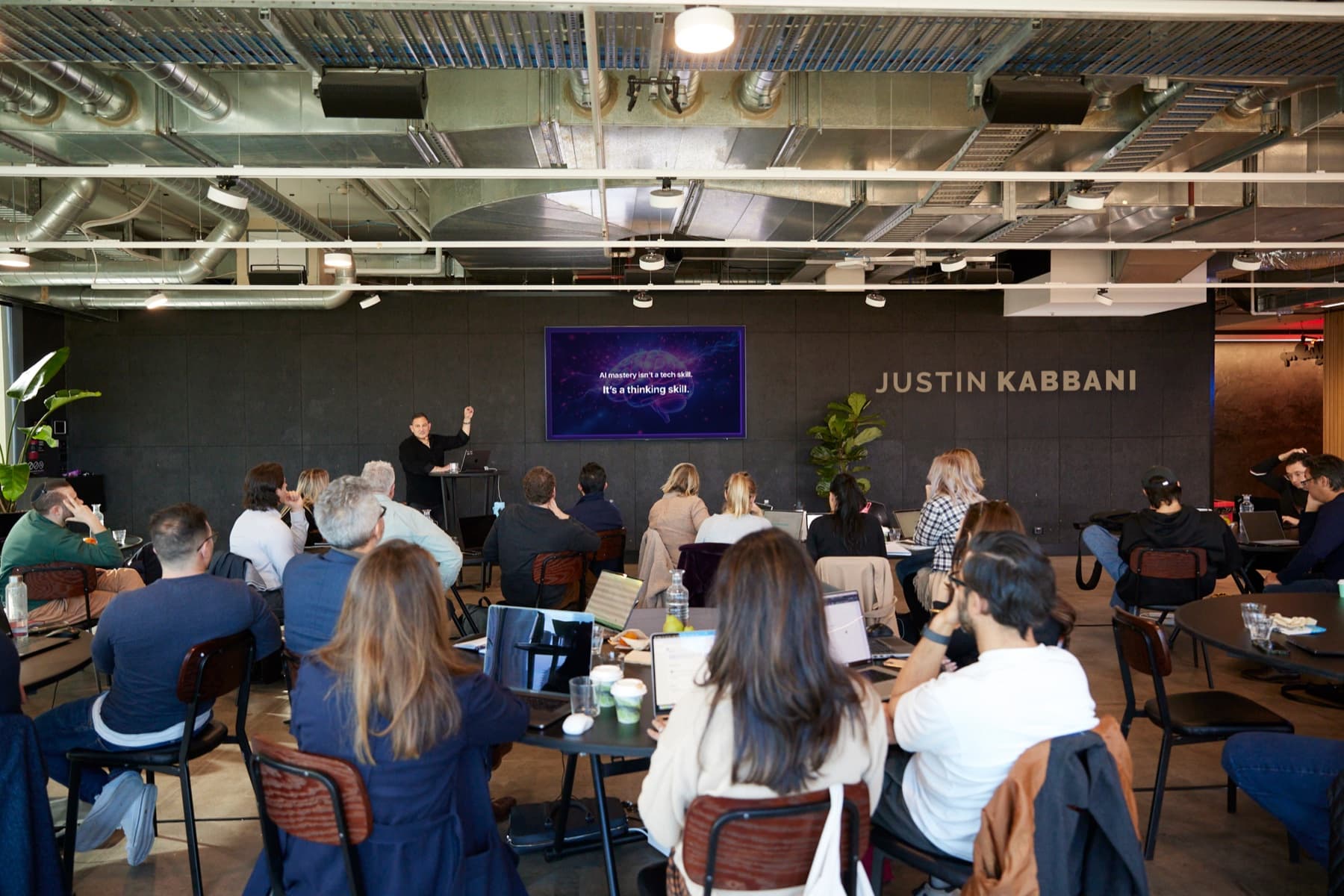
Want your team fluent in Gemini?
Justin Kabbani runs hands-on training that turns Gemini from a curiosity into daily capability across your organisation.